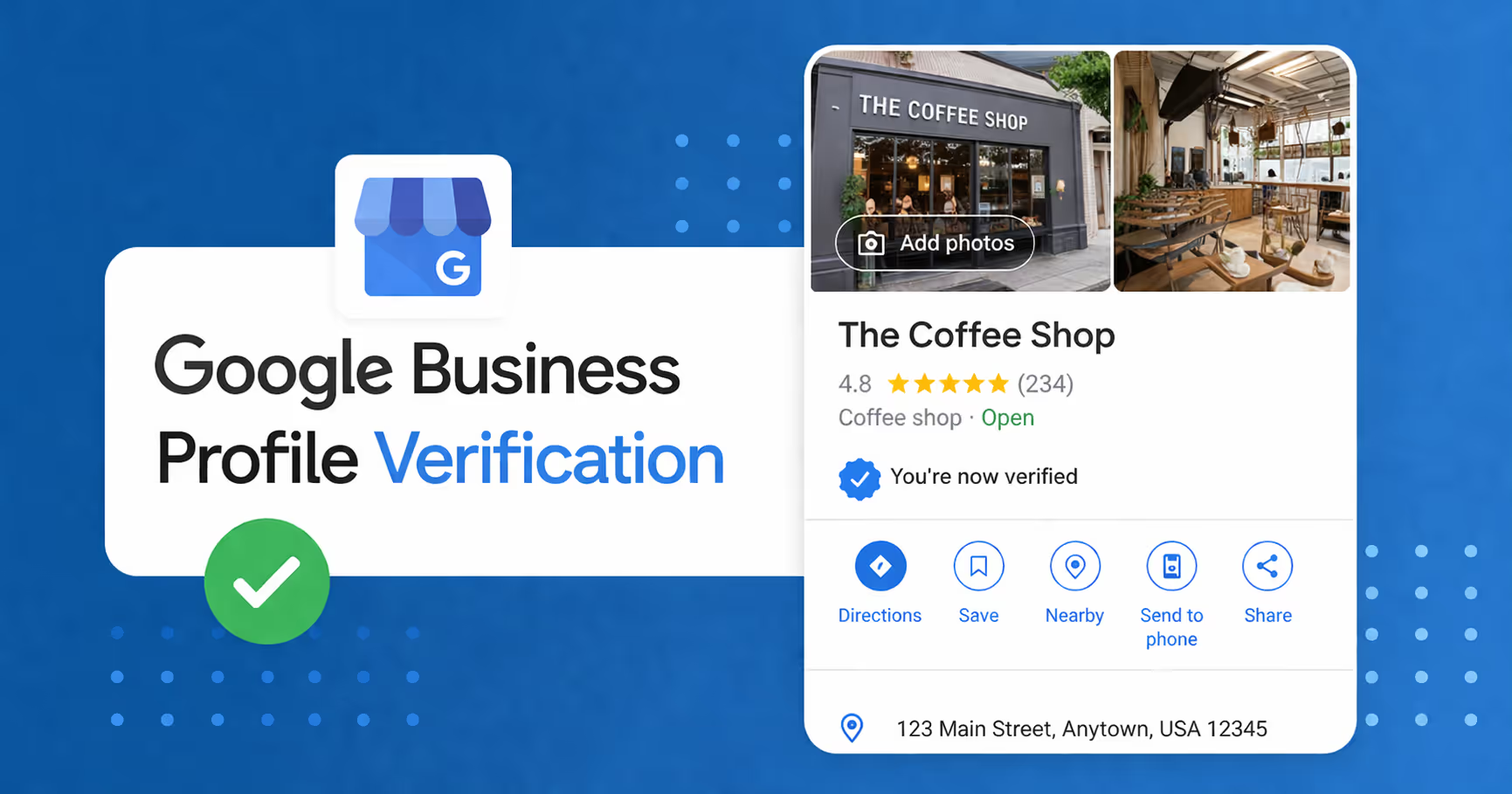
Getting a Google Business Profile live is often the hardest part of local SEO. Across home service clients, the same problems show up again and again: verification stalls, duplicate listings appear, Google forces video verification, or a profile gets suspended before it ever starts working.
This guide covers the current verification flow, what Google says to do, and the real-world mistakes that cause the most pain for service businesses.
Why Verification Is Usually the Bottleneck
Google says you need to verify your business before you can edit key business information and manage the profile. Verification methods are not something you choose freely. Google determines them automatically based on the business type, public info, region, and other signals.
In practice, that means the process is often less about “finishing setup” and more about proving to Google that the business is real, eligible, and correctly represented.
What Google Currently Says About Verification
- Verification methods can include video, phone or text, email, live video call, or mail when available.
- Video verification is available for storefront, service-area, and hybrid businesses.
- Video submissions must be unedited, unique, complete, and recorded from a mobile device.
- For service-area businesses, the video should show where the business operates, the tools or equipment used for work, and proof that the owner or manager controls the business.
- For storefront or hybrid businesses, the video should show the location, signage, and proof of management access.
Google also says reviews of verification material can take up to 5 business days, and some profiles may need more than one verification method.
The Most Common Verification Problems We See
- Duplicate listings: a client often has more than one profile for the same business, sometimes from old agency work, employee-created listings, or a forgotten earlier setup.
- Suspension loops: a profile gets verified, then immediately gets suspended because another listing exists or the details do not line up.
- Video verification rejection: the video is too short, edited, missing signage, or does not show enough proof of management.
- Wrong business representation: service-area businesses accidentally show an address the company does not actually operate from.
- Stuck review status: the profile sits in review for days or weeks with no movement.
What To Do First If Verification Keeps Failing
- Search for duplicates by business name, phone number, address, and service terms. Do not assume the one listing you see is the only one.
- Make sure the profile matches reality. If the business is a service-area business, hide the address when appropriate and keep the profile consistent with how the business actually operates.
- Check the name, address, and category against your real business documents and website.
- Use the right evidence if Google asks for it: registration documents, business license, tax certificates, utility bills, or similar proof.
- Do not create a new profile while an appeal or review is active.
Video Verification: What Needs To Be in the Video
Google’s video guidance is more specific now than it used to be. A strong video should show three things: location, proof the business exists, and proof that the person recording manages the business.
- Location: street signs, nearby landmarks, building numbers, or the immediate area around the business.
- Proof the business exists: permanent signage, branded equipment, workspace, storefront, or job-ready tools.
- Proof of management: unlocking a van, entering employee-only areas, showing access to the workspace, or similar evidence.
For service-area businesses, the video can also show the area where the work happens, the tools used on jobs, and business documents that match the profile.
Real Verification Example From Cincinnati Painting Co.
We had to verify a real commercial office in an office park right in the center of the high net worth area of Cincinnati, because that matched our target customer and gave us a legitimate place to verify from. We bought a sign from signs.com with our logo, the phone number from our Google Business Profile, and the same address we were verifying.

- Office proof: a real rented office in a commercial park, not a fake mail drop or empty room.
- Matching signage: a branded sign with the same phone number and address shown on the profile.
- In-person setup: a desk, two chairs, a computer, and promotional materials to show customers could come inside for visits.
- Business proof: our CRM open on the laptop, plus lease paperwork and LLC documents in the room.
- Storage proof: a back room with yard signs, flyers, business cards, and other business materials.
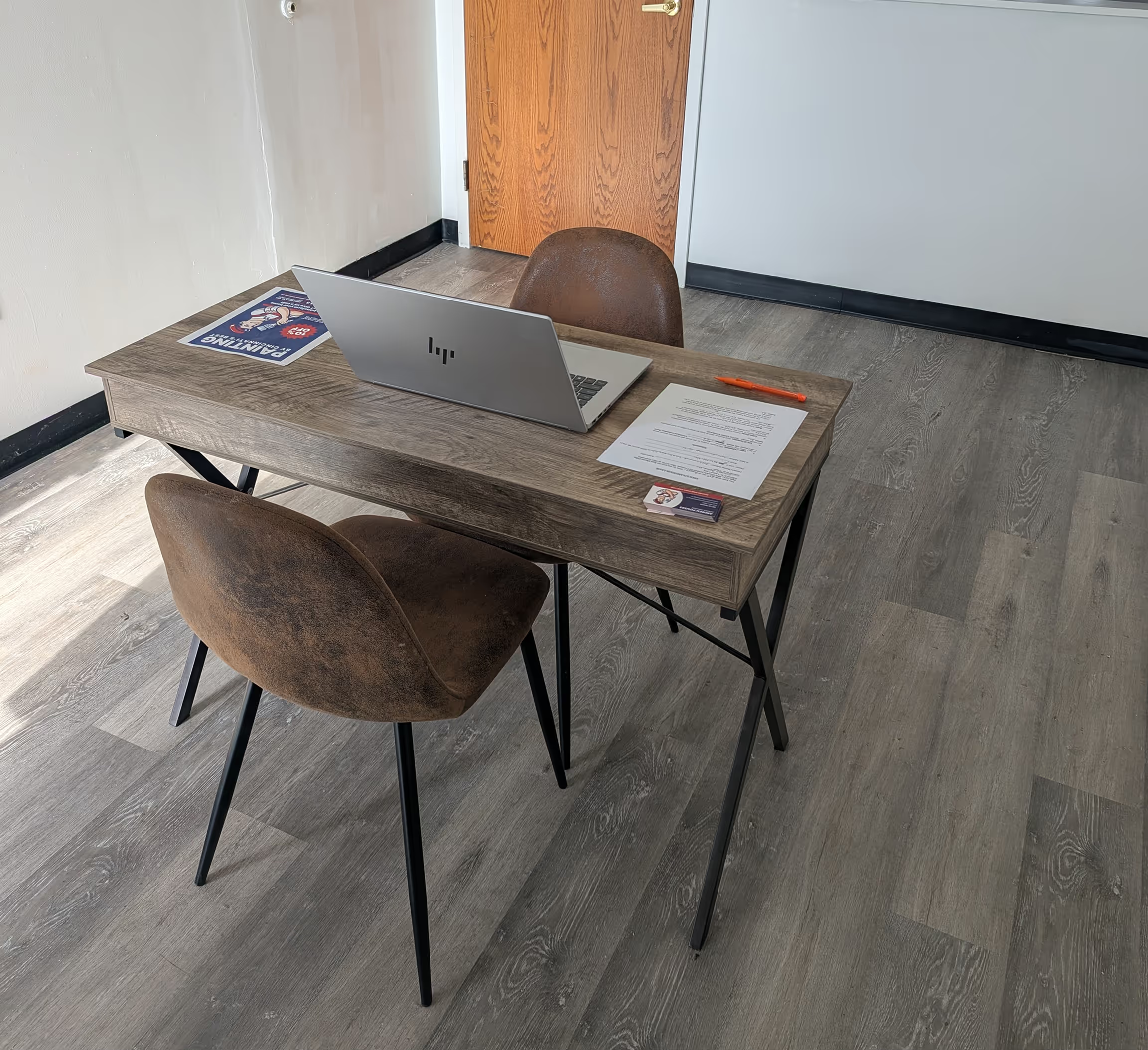

We kept the video under 60 seconds, showed every required element, and submitted it that way. It took about two weeks to get approved, and we have had zero issues since.
What Happens When A Profile Is Suspended
Google says it may suspend or disable profiles that do not follow the guidelines. If that happens, the correct path is the appeal tool, not creating a fresh duplicate. When evidence is requested, Google gives you a 60-minute window to submit it after opening the form.
- Use the appeal tool for the suspended profile.
- Include evidence that matches the profile exactly.
- Do not create another profile for the same business while the appeal is active.
- If the appeal is denied, use the additional review option when available.
The Duplicate Listing Problem Is Bigger Than It Looks
We have seen real cases where a client discovered three profiles for the same business, all with the same name. Google treats duplicates as misleading, and a duplicate can be filtered out or removed from Search and Maps. If two profiles for the same business get merged, reviews can combine, but review replies may be lost.
Practical Verification Checklist For Home Service Businesses
- One profile only for each business
- Business name matches real-world documents
- Address is shown or hidden correctly for the business type
- Category reflects the actual service line
- Phone number and website are correct
- Video verification shows the business, the tools, and management access
- Appeal evidence is ready if Google asks for it
Why This Matters For Local SEO
A profile that is not verified cannot do its job well. Verification is the gate between setup and actual visibility. Once the profile is live, it supports map pack rankings, calls, direction requests, and credibility in local search. For service businesses, this is usually the first thing that has to work before the rest of local SEO can matter. Once you've got your profile verified, the best next step is to make sure it is optimized. For the full GBP optimization guide, see Google Business Profile Optimization.
Bottom Line
If your verification process is messy, slow, or stuck, do not rush to create another profile. Fix the profile structure, remove duplicates, use the right evidence, and follow Google’s current verification flow. That is usually what gets the business live.
For the full official guidance, see Google’s help docs on verifying your business, video verification, suspended or disabled profiles, and duplicate profiles & ownership issues.
Ready for more qualified leads?
Related posts

Local Citations for Home Service Businesses: What Still Matters in 2026
How to Build Service Area Pages That Actually Rank (Instead of Getting Flagged as Thin)